How I actually convert PNG to SVG for Cricut (the free way that doesn't wreck your design)
The built-in Image Trace in Design Space mangles half my PNGs. Here's the free two-step workaround I use instead, plus the one setting that makes or breaks clean cuts.
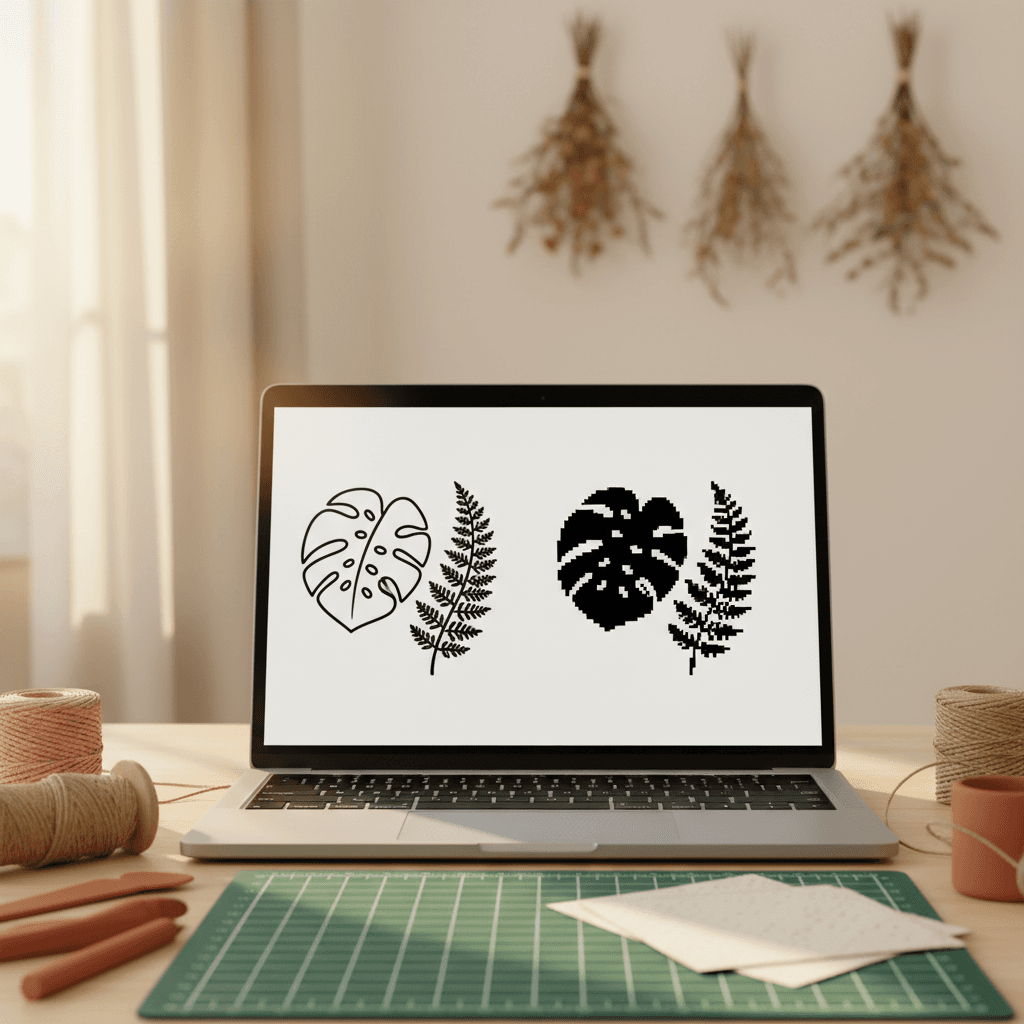
Design Space's built-in Image Trace works about 60% of the time. The other 40% you get jagged edges, missing details, or a file so complex your Cricut chokes halfway through the cut. I spent two years uploading PNGs and crossing my fingers before I figured out the actual workflow that gives me clean cuts every time.
Why Image Trace fails (and when to skip it entirely)
Image Trace in Design Space uses an auto-trace algorithm that guesses where edges are. If your PNG has a clean, high-contrast silhouette against a transparent or solid background, it works fine. But throw in gradients, soft shadows, JPEG compression artifacts, or a busy background? You'll get a vector file with 8,000 nodes that takes four minutes to cut and looks like a kindergartner traced it with a shaky hand.
I've also seen it completely ignore fine details. Delicate leaf veins, thin script letters, small interior cuts, they vanish or turn into blobs. The threshold slider helps sometimes, but honestly, if you're fighting with that slider for more than 30 seconds, you're better off doing this the other way.
The free two-step method I actually use
I use a free online converter (I prefer Convertio or Vector Magic's free tier) to pre-process the PNG into SVG before I ever open Design Space. This gives me way more control over the trace settings, and the resulting SVG imports clean.
- Open your PNG in a basic editor (even Paint works) and make sure the background is truly transparent or pure white. If it's off-white or gray, the trace will pick it up as a shape. Delete the background layer or use the magic wand to select and delete it.
- Upload the cleaned PNG to Convertio or Vectorizer.ai. Set the color mode to 'monochrome' if it's a single-color design, or 'full color' if you need multiple layers. Crank the detail slider to the right, you can simplify later in Design Space if needed.
- Download the SVG. Open it in Design Space as an upload (not Image Trace). It should come in as a cut file already, no tracing required.