Free · no account needed
AI cut file generator for laser and CNC. Yours to sell.
First design free · Ctrl+Enter to send · Enter for a new line
Describe a sign, a wall panel, a layered scene or a plain box. In under a minute you get a DXF you download at the width you type, with every outline closed, and an SVG for LightBurn, xTool Creative Space or the Glowforge app. Names and words are set from real fonts on their own layer, so the laser can engrave them and cut the rest. Refine by chatting: “make the outline thicker,” “add a name underneath,” until it's right.
You own what you generate. Sell the signs, ornaments and wall art you cut from it in any quantity, put the design on your own signage or packaging, and pay us nothing further. Read the licence.
Try it right now, no sign-up. Make an account when you want to download the files and keep going.
Browse the vaultWhat it makes
One flat, single-colour shape, drawn from your words and traced into a cut path: signs, wall art for the laser, flat patterned panels such as grilles, vent covers and screens, ornaments, mandalas, animals, plants and objects. The DXF downloads at the width you type. These three came out of the same pipeline.
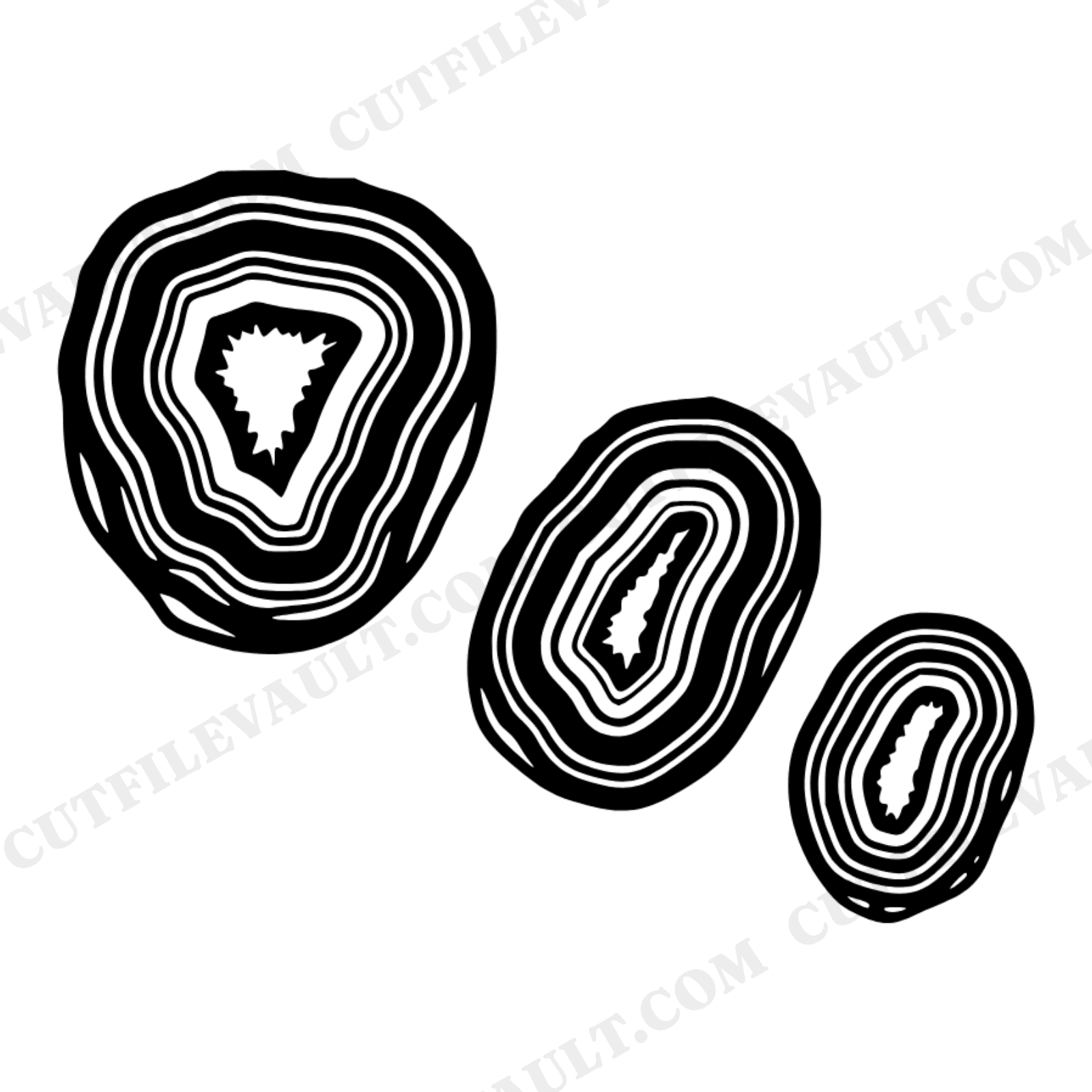
Three agate slices, wall art for the laser
The kind of brief that makes it: “Three graduated geode slices on a diagonal, line art, one piece for laser cutting”
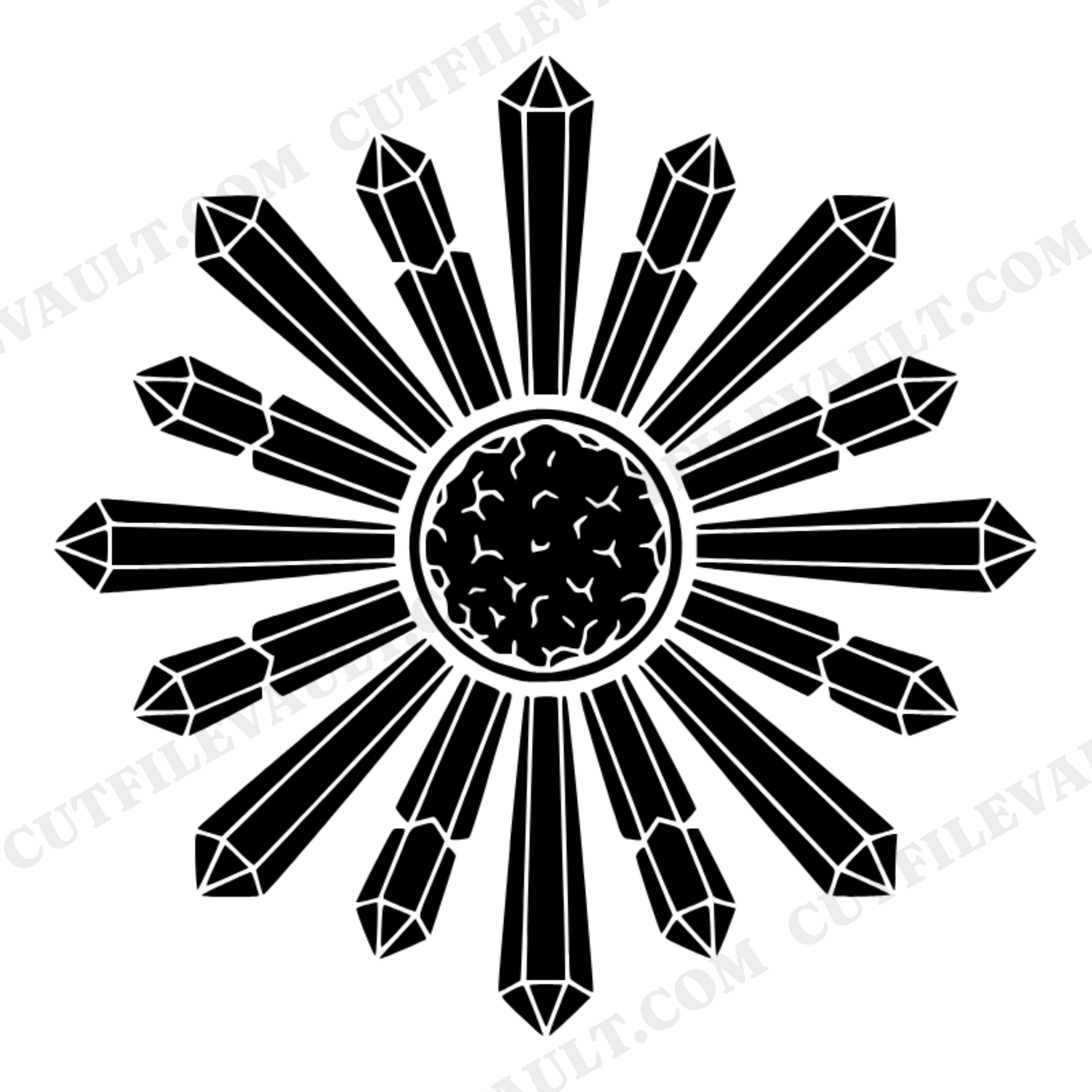
A crystal mandala
The kind of brief that makes it: “Crystal mandala, druzy cluster in a circle, single-color cut file”
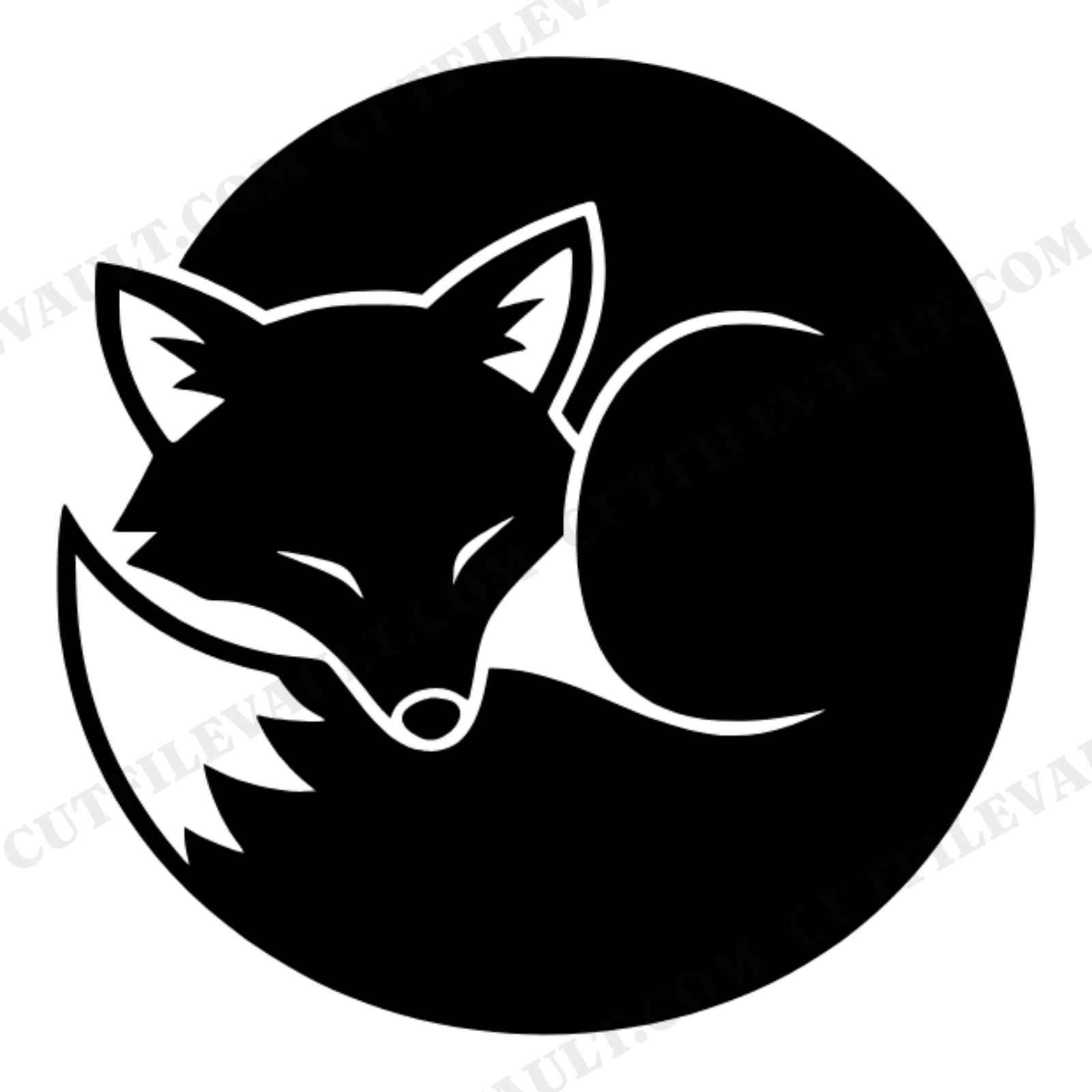
A sleeping fox curled into a circle
The kind of brief that makes it: “A sleeping fox curled in a circle, art deco, single piece”
Words are set from real fonts, not drawn. Ask for a house sign with a name, a caption under a picture, a monogram or a quote, and the letters come from the font's own outlines, so they cut clean: above or below the picture, or on their own when words are all you want. In the DXF the lettering is on its own layer, so a laser can engrave the words and cut the rest. Four faces, a serif, a sans, a condensed and a slab.
How it works
- Step 1
Describe what you want to cut
Type a brief like “geometric lion head wall art, one piece” or “a house sign, a pine tree above the words CEDAR LODGE.”
- Step 2
Get a DXF, SVG + PNG
In under a minute you'll have a DXF for laser cutters, CNC routers and plasma tables that downloads at the width you type, a clean SVG for laser software and vinyl cutters, and a transparent PNG.
- Step 3
Refine by chatting
Reply with tweaks (“make the outline thicker,” “add a name underneath”) and the next design builds on the last one.
FAQ
Can I try the generator for free?
Yes. Your first design is free and needs no account: type what you want on this page and watch it generate. Create a free account when you want to download the files, keep the design in your library, and carry on refining it.
What does the AI generator do?
Describe what you want to cut in plain English (e.g. "geometric lion head wall art, one piece") and CutFileVault draws it as real cut paths: a DXF, an SVG and a transparent PNG you can download straight away. The files open in LightBurn, xTool Creative Space, the Glowforge app, CNC and plasma software that reads DXF, Cricut Design Space and Silhouette Studio.
Will it cut at the size I need?
Yes. When you download the DXF you type the width you want, in millimetres, centimetres or inches, and the height follows. Before you download, a cut check tells you how big the file will come out, whether every outline is closed, how many openings there are and how thin the thinnest bar between cuts is at that size, so you can tell whether a detail will survive before you burn a sheet. A box is the exception: it is worked out at the size and sheet thickness you gave.
Can it put a name or words on a sign?
Yes. Words are set from real fonts instead of being drawn, so the letters cut clean. Ask for a house sign with a name, a caption under a picture, a monogram or a quote, and the lettering goes above or below the picture in straight lines, or on its own if words are all you want. In the DXF the lettering sits on its own layer, so the laser can engrave the words and cut the rest. It does not set words on a curve, and the four fonts cover Latin, Cyrillic and Greek letters.
Can I refine a design after the first try?
Yes. The generator works as a chat. After you see the first design you can ask for changes like "make the outline thicker" or "add a name underneath" and the next response builds on the previous one. Each design comes with 5 free changes, with no time limit on them; after those a message uses 1 credit.
Got something to cut?
Your first design is free and takes about a minute.