The painter's-tape registration mark trick that fixed my multi-layer vinyl alignment forever
I wasted six sheets of HTV trying to eyeball layered vinyl placement. Then a sign-shop friend showed me this thirty-cent fix using painter's tape and a pencil.

I spent an entire Saturday last month ruining shirt after shirt trying to get a three-layer HTV design centered. The base layer would go down fine, then the second layer would be a quarter-inch off, and by the third I'd have a lopsided mess. I tried the hinge method, the ruler method, the pray-and-press method. Nothing stuck until my friend who runs a small sign shop showed me her painter's tape trick. It's so stupidly simple I wanted to cry.
Why eyeballing multi-layer vinyl never works (and why transfer tape isn't the answer)
Here's the thing nobody tells you about layered HTV: your press platen shifts the fabric. Even if you nail the first layer perfectly centered, the heat and pressure will move your shirt a millimeter or two. Then you peel the carrier sheet, the fabric relaxes, and suddenly your reference point is gone. You're guessing where the second layer goes based on vibes.
Transfer tape doesn't help because HTV doesn't use transfer tape the same way adhesive vinyl does. You're pressing through the carrier sheet, so you can't see placement until it's too late. By the time you peel and check, the damage is done.
The painter's tape registration setup (do this before you cut anything)
Open your SVG in Design Space or whatever software you use. Before you slice it into layers, add four small circles or crosshairs at the corners of your design's bounding box. I use 0.2-inch circles. These are your registration marks. They'll cut with each layer but you won't press them.
- Duplicate your full design. Keep one copy intact as a reference.
- Delete everything except your base layer and the four corner marks. Cut this on your first HTV color.
- Delete the base layer from the reference copy. Keep only the second layer and the same four corner marks. Cut this on your second color.
- Repeat for however many layers you have. Every sheet gets the same four marks in the exact same spots.
I know it sounds fussy but this takes maybe two extra minutes in Design Space and it saves you from throwing away fifteen dollars of HTV and a good shirt.
Pressing the base layer and marking your registration points
Weed your first layer including those corner circles. Leave the circles in the negative space, don't weed them out. Press the layer as usual: I do 305°F for sixty seconds with my ancient Walmart iron on the cotton setting, medium-firm pressure. Peel warm if it's regular HTV, cold if it's glitter.
Now the magic part. Grab painter's tape (the blue stuff, not masking tape because masking tape leaves residue). Cut four small pieces, maybe an inch long each. Place one piece of tape right next to each of those registration circle cutouts on your shirt. The tape goes on the fabric, touching the edge of where the circle would be.
Take a pencil or a fine Sharpie and mark a tiny dot on each piece of tape, right at the inner edge of the circle cutout. These four dots are now your permanent reference grid for every layer that follows. The tape stays on the shirt through all your layers. It peels off clean at the very end.
Aligning the second (and third, and fourth) layers
Weed your second layer. Again, leave those corner registration circles in the negative space. Lay the weeded sheet carrier-side-up on your work surface. You'll see the four circle holes.
Pick up the shirt. Hold the HTV sheet above it and line up each of the four circle cutouts with the four pencil dots on the painter's tape. Not with the pressed vinyl. With the tape dots. When all four align, lower the sheet onto the shirt and press.
Repeat for every layer. The tape dots never move. They're your anchor. I've done five-layer designs this way and the alignment is tighter than anything I ever managed eyeballing or using a ruler.
What to do with the registration circle ghosts (and why I don't care about them)
Okay so each layer leaves a faint pressed outline where those registration circles were. On dark HTV it's basically invisible. On white or light HTV on a dark shirt, you might see a little square shadow at each corner if you look close.
I genuinely do not care. The circles are a quarter-inch outside my actual design area. Nobody's going to notice them unless they're inspecting the shirt seams with a jeweler's loupe. If it really bothers you, place your registration marks a half-inch outside the design bounding box instead of right at the edge. That pushes them closer to the shirt's side seams where they're even less visible.
But honestly, I'll take four tiny ghost circles over a crooked three-layer design any day of the week.
The settings I use for this (Cricut Maker 3, regular HTV, cotton blend blanks)
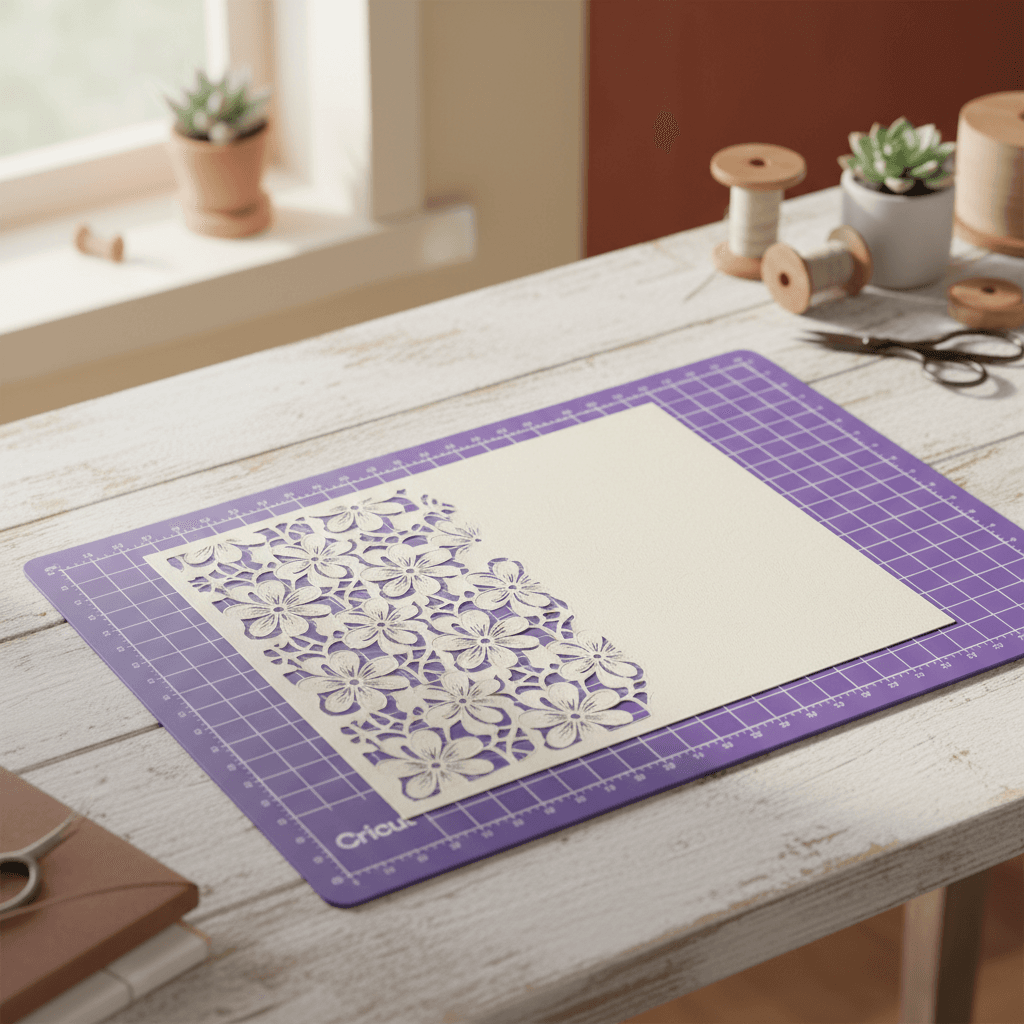
I cut all my HTV on the Cricut fine-point blade, Iron-On setting, medium mat (the purple one). For the actual circles I don't change anything. They're simple shapes and they cut clean at default pressure.
For pressing I use a ten-dollar Walmart iron set to cotton, no steam. I press each layer for a full minute, applying enough pressure that I'm leaning into it a little bit but not crushing the fabric. I count to sixty out loud like a crazy person because I've underpressed way more often than I've overpressed.
If you have an EasyPress or a heat press, same deal: 305°F, sixty seconds, medium pressure. The registration method works exactly the same.
I've been using this painter's tape trick for about four months now and I haven't misaligned a single multi-layer project since. It's one of those techniques that feels almost too simple to work, but then you do it once and you realize you've been making your life way harder than it needed to be. The tape costs three bucks at any hardware store and you'll use the same roll for fifty projects. Worth it.