How to share one Cricut with a craft group
One Cricut can serve a whole craft group if you settle a few things up front: separate Cricut accounts, who pays for blades and mats, and a plain way to know whose week it is.
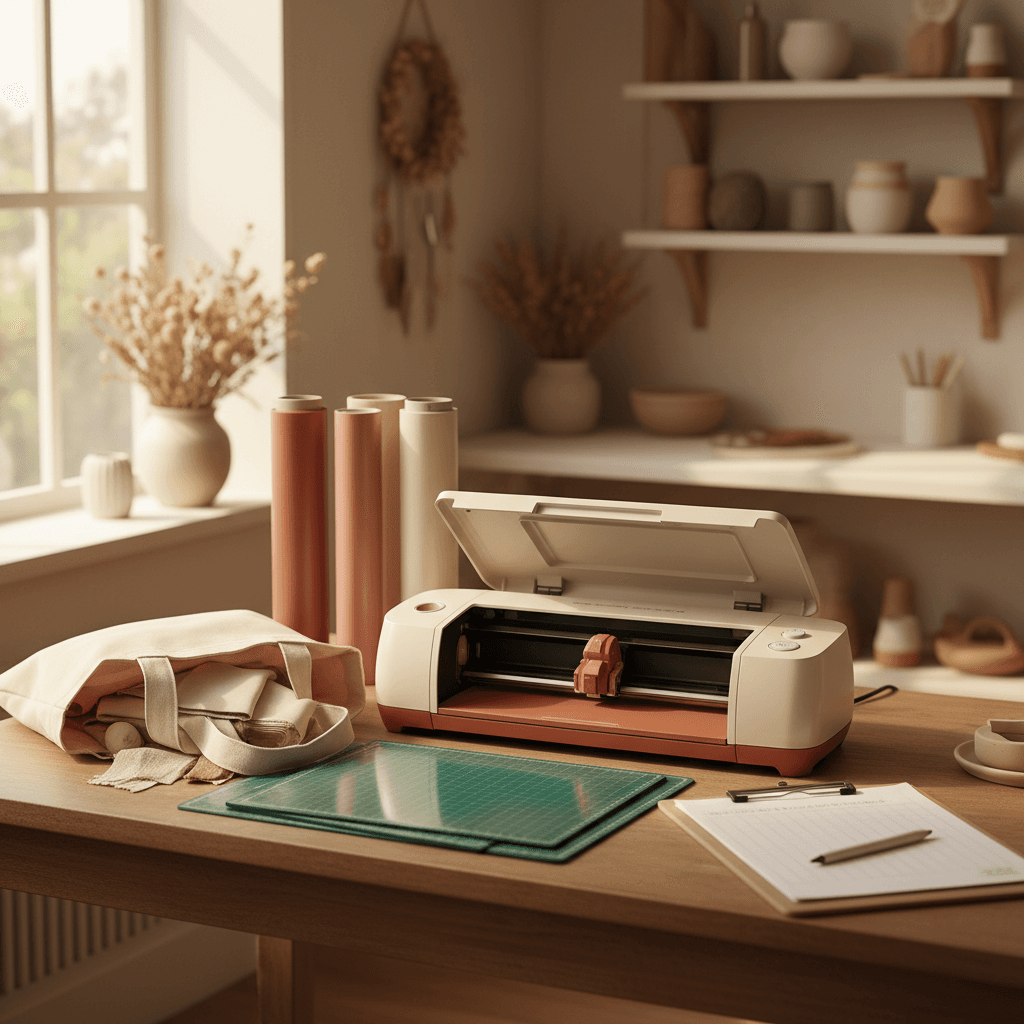
Most Cricuts spend nearly all of their time switched off. Even somebody who crafts every weekend might run the machine for a few hours a month, which is why two sisters or three friends going in on one makes so much sense. What goes wrong is rarely mechanical. A blade gets dull and nobody owns up to it, or two people both counted on having the machine the Saturday before the craft fair.
Give everybody their own Cricut account
Your projects, your uploaded files and anything you've bought inside Design Space belong to your Cricut ID. None of it is stored on the machine. So each person in the group should sign in with their own ID on their own laptop or phone, then connect to the shared machine when it's their turn, by Bluetooth or with the USB cable.
Passing one login around looks easier and it isn't. Everyone's uploads pile up in one long list, somebody cuts the wrong version of a file, and the person whose card is saved on the account pays for whatever gets bought by accident. A Cricut Access subscription is tied to one ID as well, so it won't follow the machine around the group. Whoever wants it pays for their own.
Share the machine and the blades, keep mats and materials personal
The split that works for most groups is simple. The machine, the cords and the blades belong to everybody, and anything a single project uses up belongs to whoever is making it. That means your own vinyl and cardstock, and your own mats too. A mat loses a little stick with every cut and a lot more under glitter cardstock or felt, so a shared mat always ends up being one person's problem.
- Group kit, stays in the tote: the machine, its power cord and USB cable, the blade housings and a scraper.
- Yours, goes home with you: mats, vinyl, cardstock, transfer tape and weeding tools.
Blades are the one consumable worth pooling, because nobody can tell whose cut wore one down. Keep two fine-point blades in the kit and mark the housings, one for paper and cardstock and one for vinyl and iron-on. A strip of washi tape on one of them is enough. Paper is harder on an edge than vinyl is, and a blade that has been through a stack of cardstock will start dragging on small vinyl letters. Put a few dollars each in a jar and replace a blade the first time someone's corners tear.
Tape a sign-out sheet inside the tote
Once the machine starts moving between houses, the group text fills up with the same two questions: who has it, and did the spare blade go with it. A sheet of paper answers both faster than scrolling back through messages. AllDibs, the other site I make, has a free printable sign-out sheet built for shared tools, and it works fine for a cutting machine. It has columns for who has it, the date out, when it's due back and the state it came back in, and a second page for an inventory list.
Do the math before anyone buys
If the group hasn't bought the machine yet, work out what a session will really cost each of you. Say the machine plus a starter set of blades and mats comes to $450, and three of you would each use it about twice a month. That's 72 sessions in the first year, a little over $6 each. Bought alone and used twice a month, the same machine works out to almost $19 a session.
The cost per use calculator on AllDibs does this sum for you. It lets you add running costs and what you'd get back selling the machine later, then compares renting, buying alone and splitting it. It's also worth a call to your public library before you buy. Many of them keep a Cricut in a makerspace, and a few free sessions will tell you how often you'd really use one.
Settle the busy weeks before they get here
For most of the year a shared Cricut is easy. Then December arrives, or the last week of school with its teacher gifts, and everybody wants it on the same three days. Pick the rule while nobody needs the machine. It could be a two-day limit in December, or that a paid order goes ahead of a hobby project. Any rule the group agreed to in October beats one made up in the middle of an argument.
Then put the turns somewhere everyone can see them. A paper calendar on one person's fridge only helps that person, and a shared online calendar does better. If your group wants the turns handed out evenly, AllDibs is a booking calendar where everyone gets credits to book dates with, so one person can't quietly take every weekend.
A Cricut that leaves its tote most weekends is a better buy than three of them sitting on three shelves. Getting there mostly takes one conversation and a sheet of paper, and that conversation is a lot easier to have before the first blade goes dull.