How to download SVG files for Cricut (and why unzipping trips up everyone the first time)
That zip file isn't broken. Your Cricut just can't read compressed folders. Here's the actual download-to-upload flow, including the Windows vs Mac unzip step everyone skips.
You bought an SVG file, clicked download, and now you're staring at a zip folder that Design Space won't recognize. This is where about 60% of new Cricut users get stuck, and it's not your fault. The file isn't broken. Your machine just needs the SVG extracted from that compressed folder first, and nobody explains that step.
Why SVG files come in zip folders (and what that actually means)
Most SVG shops bundle files into a zip because they're selling you more than one thing. You're getting the SVG, usually a PNG preview, maybe a DXF for Silhouette users, sometimes a PDF instruction sheet. Zip folders compress all of that into one download so you're not clicking five separate files.
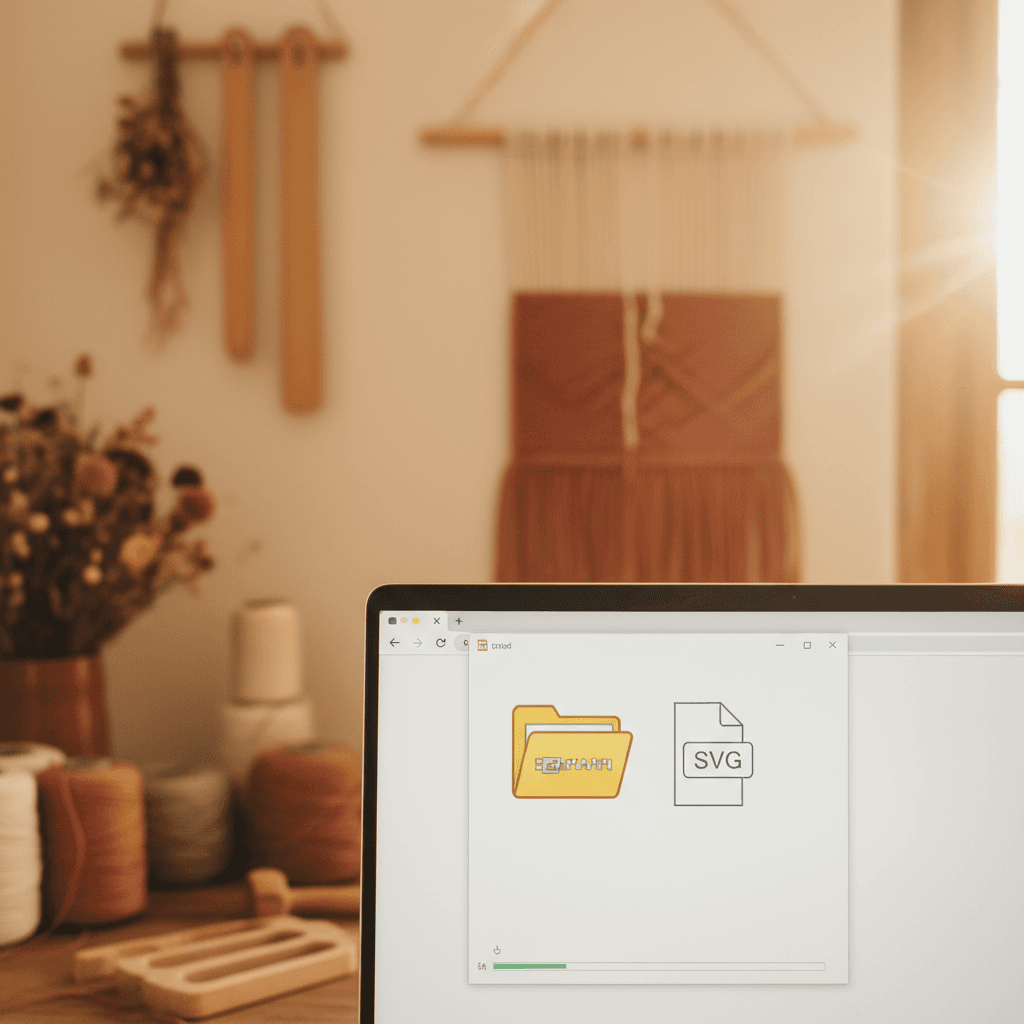
Design Space can't open zip folders. It only reads individual SVG files. So the step everyone misses is extracting the SVG out of that zip before you try to upload it.
How to unzip and upload on Windows
- Find the downloaded zip file. It's usually in your Downloads folder and has a yellow folder icon with a zipper on it.
- Right-click the zip file and choose Extract All from the menu.
- Windows will ask where to put the extracted files. The default location is fine, just click Extract.
- Open the new unzipped folder. You'll see the actual SVG file inside, along with any PNGs or other bonus files.
- Open Cricut Design Space, click Upload, then Upload Image.
- Click Browse, navigate to that unzipped folder, select the SVG file (it'll have a little vector icon), and click Open.
- Design Space will preview it. If it looks right, click Upload, then add it to your canvas.
The mistake I see constantly is people skipping step 2 and trying to upload straight from inside the zip preview window. Design Space throws an error or just doesn't list the file at all. Extract first, always.
How to unzip and upload on Mac
Mac makes this slightly easier because it auto-extracts most zip files when you download them. You'll see both the zip and an unzipped folder appear in your Downloads. If that happens, you're already done with the unzip step.
- Check your Downloads folder for a regular folder with the same name as the zip file. If it's there, double-click it. If not, double-click the zip file and macOS will extract it for you.
- Open the folder and find the SVG file inside.
- Open Design Space, click Upload, then Upload Image.
- Click Browse, find the SVG in that unzipped folder, select it, and click Choose.
- Preview, upload, done.
Occasionally Safari won't auto-extract. If you double-click the zip and nothing happens, try right-clicking it and selecting Open With, then Archive Utility. That forces the unzip.
What to do when the SVG still won't upload
If you've unzipped the file and Design Space still won't take it, one of three things is happening. First, you might have grabbed a PNG by accident. SVG and PNG files look similar in a folder if your icons are small. Right-click the file, choose Properties (Windows) or Get Info (Mac), and check the file type. It should say SVG or Scalable Vector Graphic. If it says PNG, you're uploading the preview image, not the cut file.
Second, the file might genuinely be corrupted. This is rare, but download errors happen. Delete the zip, re-download from the shop, and extract again. I've had this fix the problem twice in four years.
Third, your Design Space cache might be stuck. Close Design Space completely, restart it, and try the upload again. If you're on the desktop app, sign out and sign back in. That clears the temp files and usually gets uploads working again.
Where to actually save your unzipped SVG files so you can find them again
This isn't part of the download process, but it'll save you so much time later. Don't leave everything in Downloads. Make a dedicated SVG folder somewhere you'll remember. I have mine in Documents > Cricut > SVG Files, then subfolders by project type (Christmas, Vinyl Decals, HTV Shirts, whatever makes sense to you).
When you extract a zip, extract it straight into the right subfolder instead of letting it dump into Downloads. Then you're not hunting through 900 unzipped folders six months from now trying to find that one snowflake file you bought last December.
The whole unzip-then-upload thing feels like an extra step until you've done it twice, then it's automatic. Cricut could make this clearer in their docs, but they don't, so here we are. Once you've got the file unzipped and in Design Space, the rest is the same as any other upload. You're not doing anything wrong if this tripped you up the first time. It trips up everyone.