Every beginner thinks Halloween HTV needs high heat (it doesn't, and here's why yours is scorching)
You cranked your iron to cotton because the vinyl package said 'heat transfer.' That's why your jack-o'-lantern design looks melted. Here's the actual temp that works.
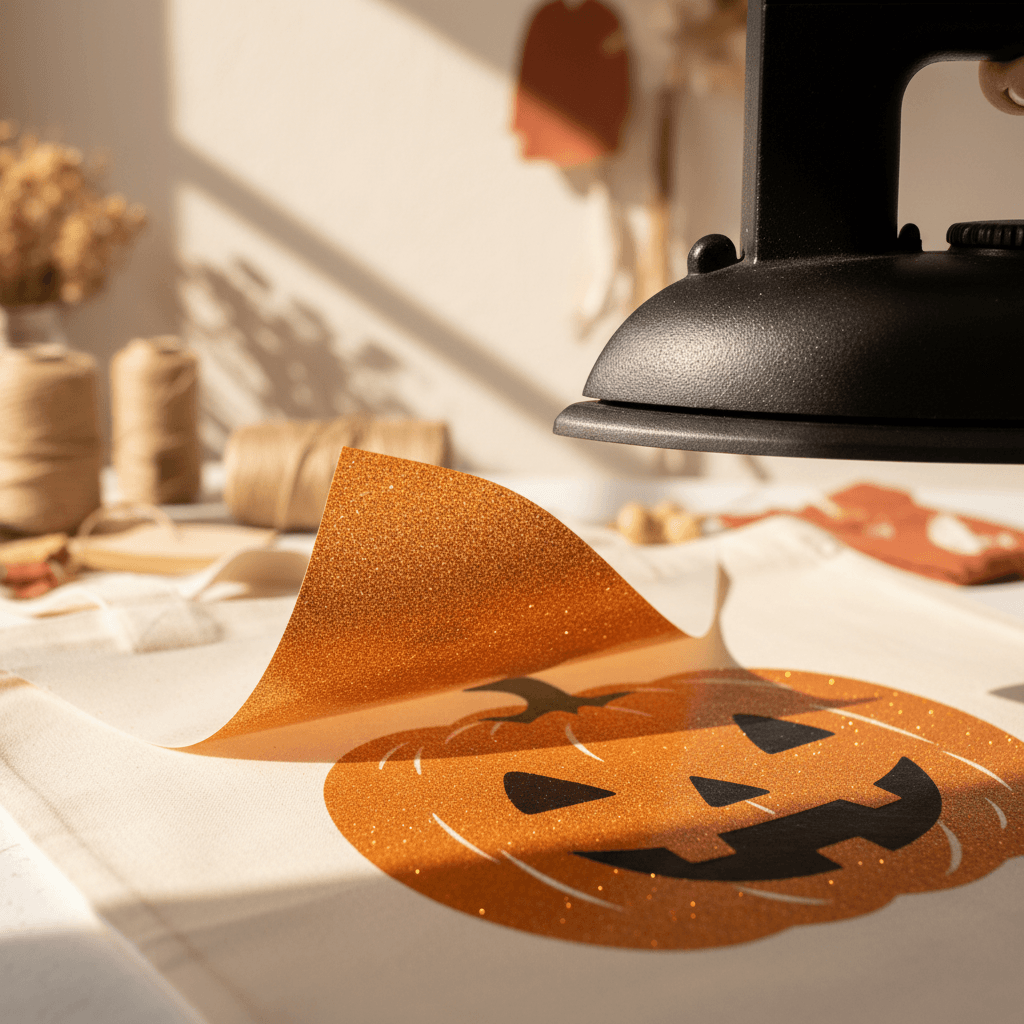
I watched my sister-in-law ruin three black tees in a row last October. Same problem every time: she set her iron to the cotton setting because the Siser packaging said 'cotton compatible,' and her spider web designs came out with these weird shiny burn marks around the edges. The vinyl stuck, sure, but it looked like someone took a blowtorch to it. Turns out the single biggest mistake people make with Halloween HTV is assuming higher heat equals better adhesion.
why 'cotton setting' doesn't mean what you think it means
Here's the thing nobody tells you: when HTV packaging says 'for cotton,' they mean the fabric you're pressing onto, not the heat level you should use. Cotton fabric can handle high heat without melting. Your vinyl cannot. Most standard HTV (the kind you're using for Halloween shirts and trick-or-treat bags) has an ideal application temperature between 305-320°F. Your iron's cotton setting? That's 400°F or higher.
I didn't figure this out until I bought a $9 infrared thermometer from Harbor Freight and actually measured my iron. The cotton setting on my ancient Black+Decker hit 425°F. The polyester setting sat right around 310°F. Suddenly every scorched project made sense.
the Halloween colors that scorch the fastest
Not all vinyl burns the same. Black, orange, and purple HTV (aka every Halloween design ever) are way more prone to heat damage than lighter colors. Black especially shows every flaw. You get shiny spots, a weird plasticky texture, or this raised edge effect where the vinyl looks like it's trying to peel itself off.
Glitter HTV is even worse. That topcoat is basically fine polyester glitter suspended in adhesive, and it melts at a lower temp than the base vinyl. I ruined a gorgeous orange glitter pumpkin last year by leaving my iron on it for 20 seconds at full cotton heat. The glitter turned into this sad, flat, shiny mess. Looked like I'd ironed a plastic grocery bag.
- Black HTV: scorches at 350°F+, shows every heat mark
- Orange glitter: top layer melts around 320°F, go low and slow
- Purple metallic: gets cloudy and loses shine above 330°F
- Glow-in-the-dark: the most finicky, needs 280-300°F max or it won't glow right
the parchment paper trick that bought me 30 seconds
So you've lowered your heat. Great. Now your vinyl isn't scorching but it's also not sticking in the corners. This was my problem for two straight weeks. I'd peel the carrier sheet and the edges would lift immediately. Turns out I wasn't giving the adhesive enough time to actually bond.
Here's what fixed it: I stopped timing my presses and started counting slow pressure instead. Put a piece of parchment paper over your design (it protects the vinyl and helps distribute heat evenly), then press firmly for a slow count to 30. Not 30 seconds of light contact. Thirty seconds of I'm-leaning-my-body-weight-into-this pressure. Then I let it cool for a full minute before peeling. The difference was night and day.
what to do if you already scorched a Halloween shirt
Okay, but what if you already burned a design? If the vinyl is still stuck down and just looks shiny or discolored, honestly, leave it. It'll look fine from three feet away at a trunk-or-treat. If the edges are lifting or the surface is bubbled, you need to remove it and start over.
Re-heat the vinyl on low (polyester setting, remember) until it's warm and pliable, then peel it off slowly. You'll probably leave some adhesive residue. Hit that with Goo Gone or rubbing alcohol on a cotton ball, let it sit for 30 seconds, then scrub gently. Wash the shirt inside-out on cold before you try pressing new vinyl. Otherwise the leftover oils from the Goo Gone will keep your new design from sticking.
I've salvaged exactly two scorched shirts this way. The third one (a white tee with a big black cat silhouette) had actual burn marks on the fabric underneath. That one became a sleep shirt.
the one tool that's genuinely worth buying
If you're cutting more than five or six Halloween designs this year, spend the $12 on a heat-resistant pressing pillow or a thick folded towel. Slide it inside your shirt before you press. It keeps the heat from transferring through to the back layer of fabric (which can cause ghosting or stick the front and back together, ask me how I know), and it gives you a firmer surface to press against.
I use a 12x12 canvas duck-cloth pillow stuffed with poly-fill. Cost me $8 to make. Works better than the $40 EasyPress mat I borrowed from a friend. The EasyPress mat is great if you have an EasyPress. If you're using a regular iron, you want something with a little give so you can really lean into the pressure.
Nobody gets HTV right on the first try, and seasonal projects always feel higher-stakes because you're racing a calendar. But Halloween designs are actually easier than most once you stop blasting them with maximum heat. Lower temp, longer pressure, full cool-down. That's it. I've pressed probably 40 Halloween designs in the last three weeks testing files for the shop, and I haven't scorched one since I started using my iron's polyester setting. Your jack-o'-lanterns will look better too.