The 45° blade angle trick that finally made my intricate mandala cuts clean
I kept getting torn filigree on delicate mandalas until I learned this one counterintuitive blade-angle adjustment. Works on Maker, Maker 3, and Explore machines.
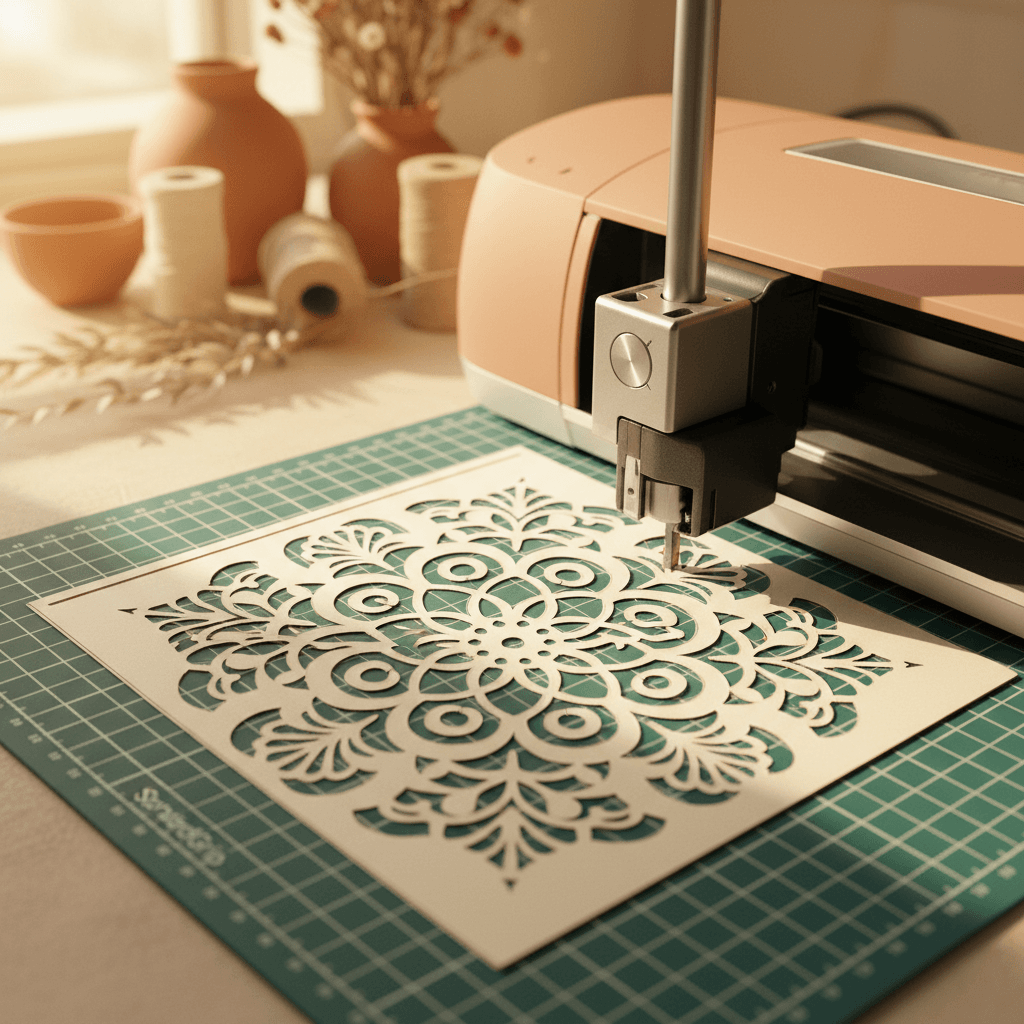
I ruined four identical mandala cuts before I figured out what was wrong. The design was gorgeous, the SVG was clean, my blade was brand new, and every single time the innermost filigree sections tore like wet tissue paper. Turns out the problem was not the blade sharpness or the pressure setting. It was the angle.
Why intricate cuts tear (even with a new blade)
Most people blame a dull blade first. That's fair, blades do wear out. But if you're cutting something with tons of tiny curves and close-together detail work, like mandalas, doilies, or those insanely detailed floral frames, the issue is often about drag, not sharpness.
When your blade sits perpendicular to the mat (the default 90° position most machines assume), it punches straight down. That works great for bold shapes and letters. But when the machine tries to pivot through a tight curve, the blade tip has to drag sideways through the cardstock while still pressing down. That sideways shear is what causes the micro-tears.
A slight blade angle changes everything. The blade slices at a cant instead of punching, which means way less drag on those hairpin turns.
The actual fix (it takes 90 seconds)
Okay, here's what I do now every time I'm cutting something intricate. This works on Cricut Maker, Maker 3, and Explore Air 2. I've heard Joy owners say it helps too, but I don't own one so I can't confirm.
- Pop out your fine-point blade housing. Don't just leave it in the carriage.
- Look at the little black cap where the blade sits. There's a tiny set screw on the side (you need a jeweler's screwdriver or the tip of a small eyeglass kit screwdriver).
- Loosen that screw about a quarter turn. Not all the way out, just enough that the blade housing can rotate slightly in your hand.
- Tilt the blade so it sits at roughly 45° instead of straight up and down. You're eyeballing it. It doesn't need to be exact.
- Tighten the set screw again. Snug, not gorilla-tight.
- Pop it back into the carriage. Load your mat, run a test cut on a scrap piece of the same cardstock.