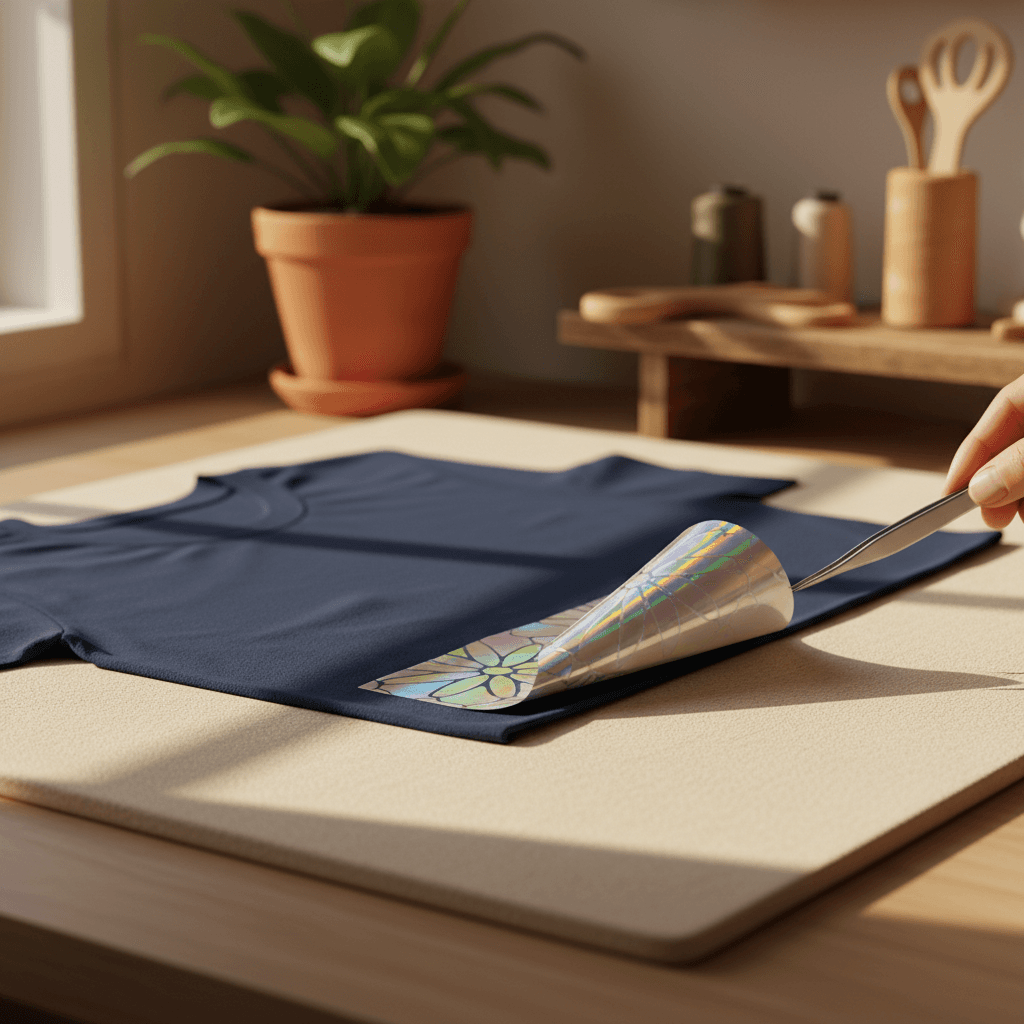
Five acetate bookmark layers that taught me why offset math actually matters
I spent two hours stacking translucent acetate bookmarks before I understood why my layers never lined up. Here's the geometry nobody explains.
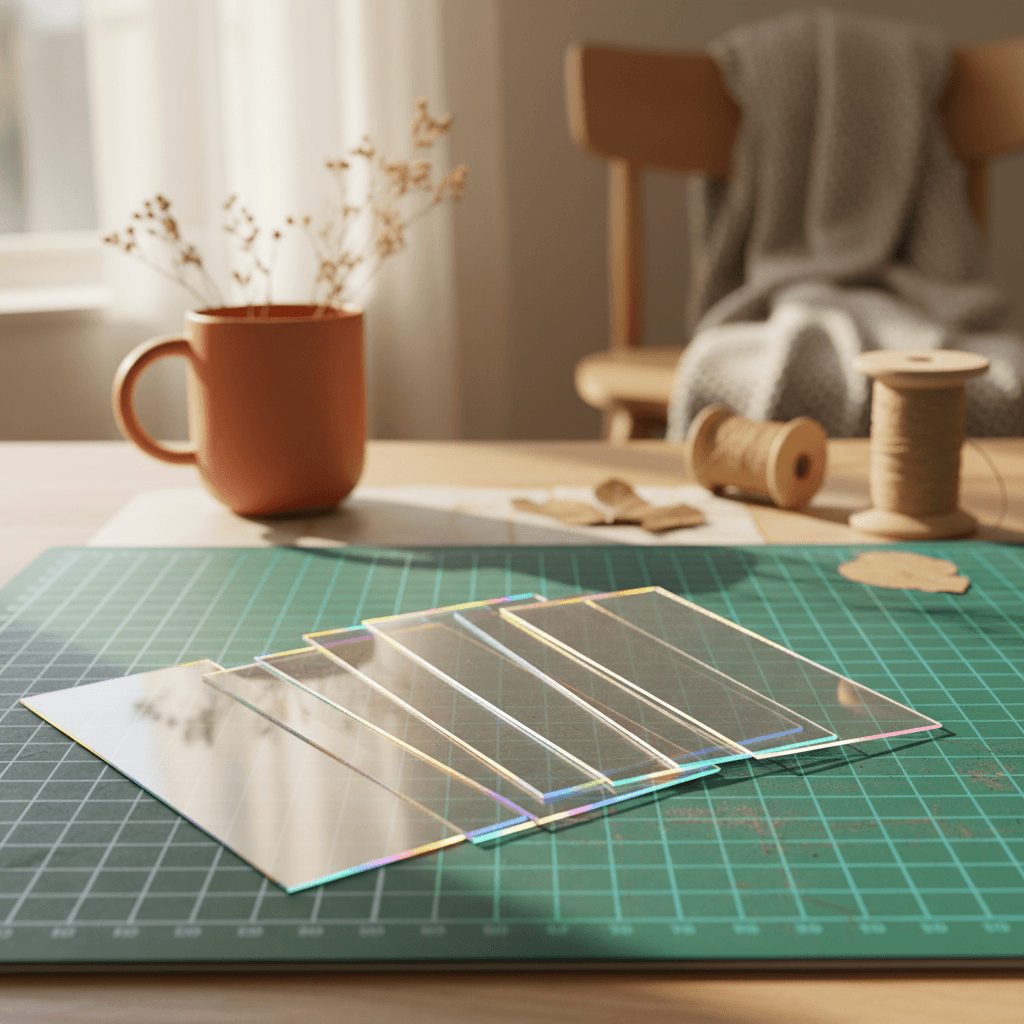
I cut my first acetate bookmark last month and thought I nailed it. Then I stacked three layers together and realized the alignment was off by almost 2mm on every edge. Turns out, when you're working with translucent materials where every layer shows through, offset isn't just an aesthetic choice. It's physics.
What you actually need (and what this costs)
This project runs about $18 if you're starting from zero, and you'll have enough acetate left over for at least ten more bookmarks. You need five sheets of 8.5x11 clear acetate (the printable kind, 5-mil thickness, I use Grafix, about $12 for a 25-pack on Amazon). One sheet of double-sided foam tape (the 1mm thick stuff, $4 at Michaels). And one SVG file with at least three nested shapes, I'm using a geometric mandala, but honestly anything with concentric rings works.
Time estimate: 90 minutes if you're careful. Closer to two hours if you've never cut acetate before and need to dial in your blade depth.
Why offset exists (the part Design Space doesn't explain)
Okay, here's the thing nobody tells you when you first learn about offset in Cricut Design Space. Offset doesn't just make a shape bigger or smaller. It moves the cutting path perpendicular to the original edge by a fixed distance. Which means on a curve, the offset path has to travel a different length than the original.
When you stack five acetate layers, each one 1mm apart, the top layer's outer edge is tracing a circle that's 10mm farther from the center than the bottom layer. If your original design is a 2-inch circle, that top offset circle isn't just bigger, it's traveling a path that's 62.8mm longer in circumference. And if you don't account for that in your offsets, the layers won't nest cleanly when you stack them.
This is why my first bookmark looked perfect flat on the mat but terrible when assembled. I used the same 2mm offset for every layer, which works fine on straight edges but fails completely on curves.
The actual layer math (you can skip this if you want, but it's cool)
For a circle, every 1mm of offset adds 6.28mm to the circumference (that's 2π, because circumference equals 2πr and you're increasing r by 1mm). For straight edges, 1mm offset adds exactly 2mm total (1mm on each side). So if your design has both curves and straight segments, you need different offset values depending on which part of the shape you're emphasizing.